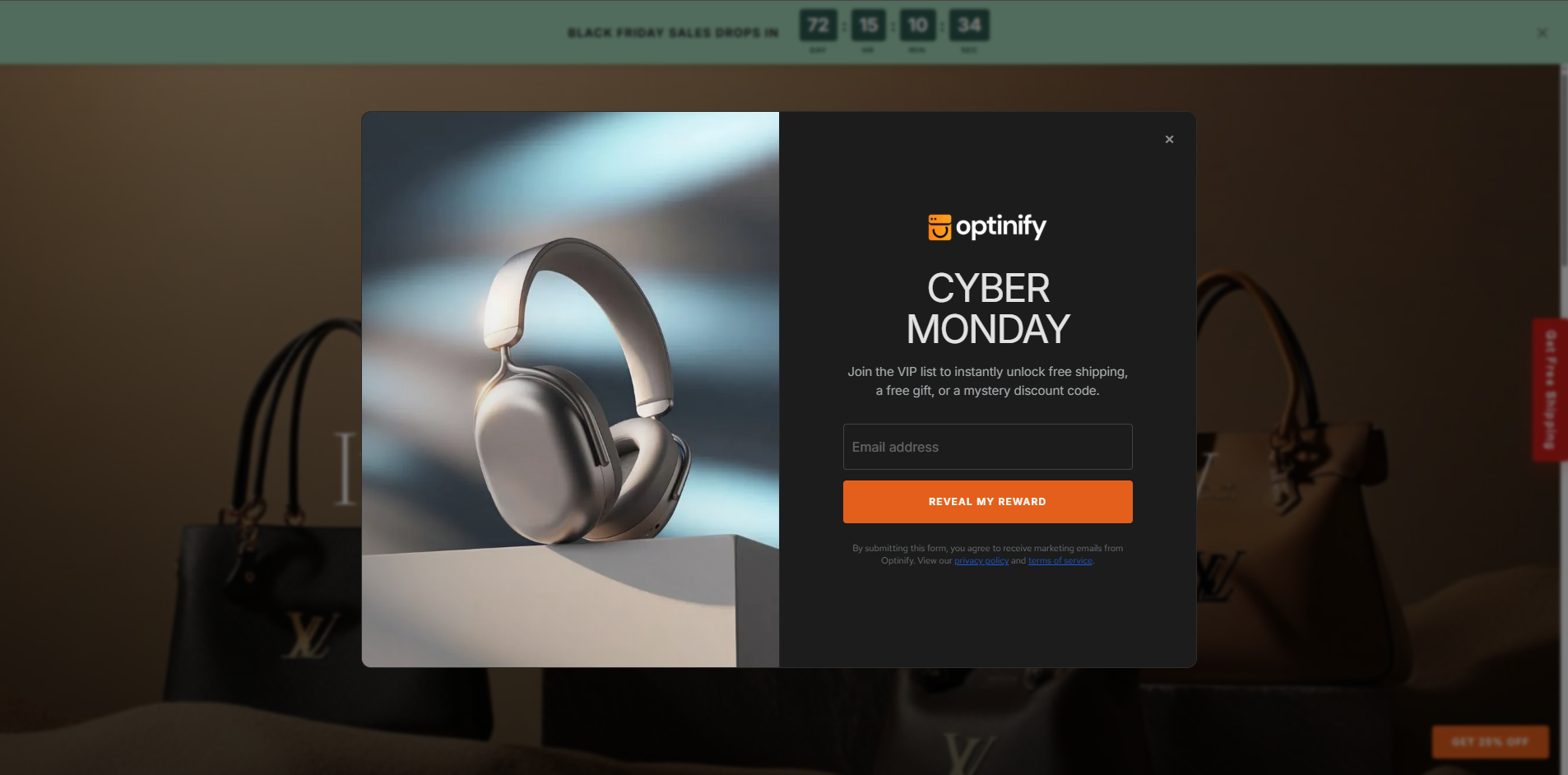
Features:
Canvas
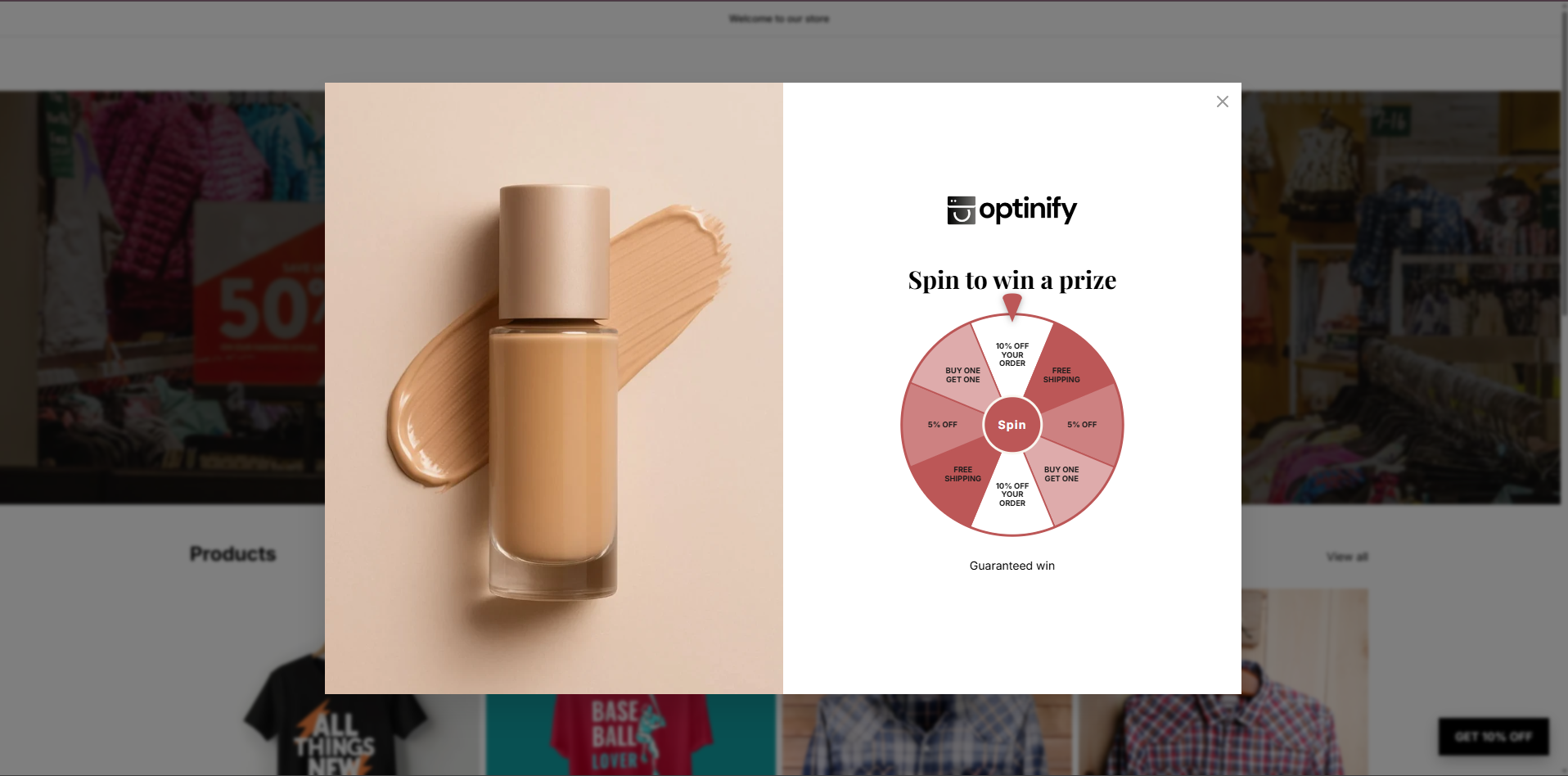
Full-Page Canvas Experience
The Shopify app window now utilizes the full available page space, providing a larger and more immersive workspace for creating and customizing campaigns.
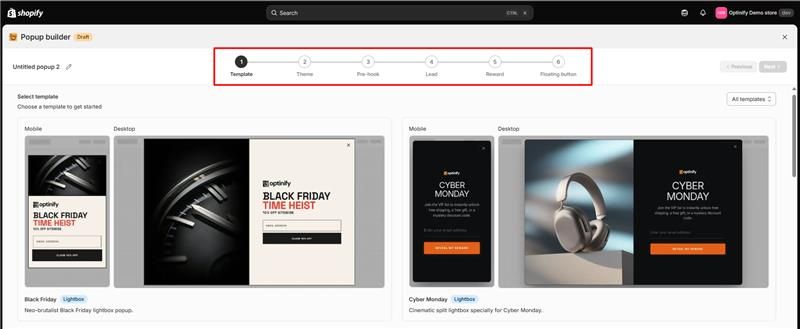
Improved Create Flow
The popup creation flow now includes a new progress stepper UI, helping merchants better understand their progress and navigate through each step more efficiently.
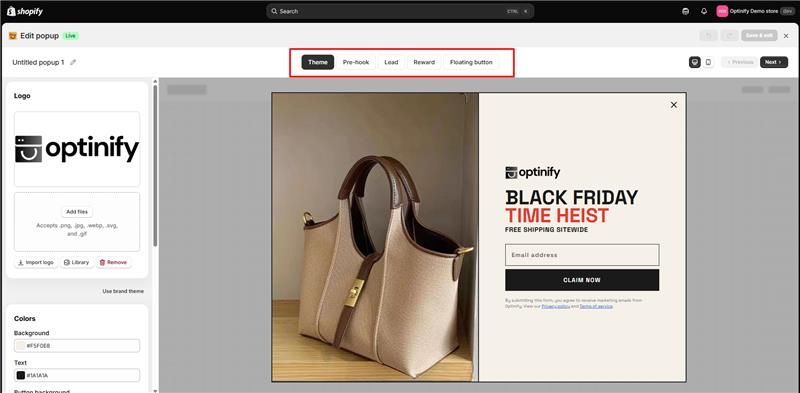
New Edit Flow Navigation
A new top navigation bar has been introduced in the edit flow, making it easier to access editing options and manage campaign customization.
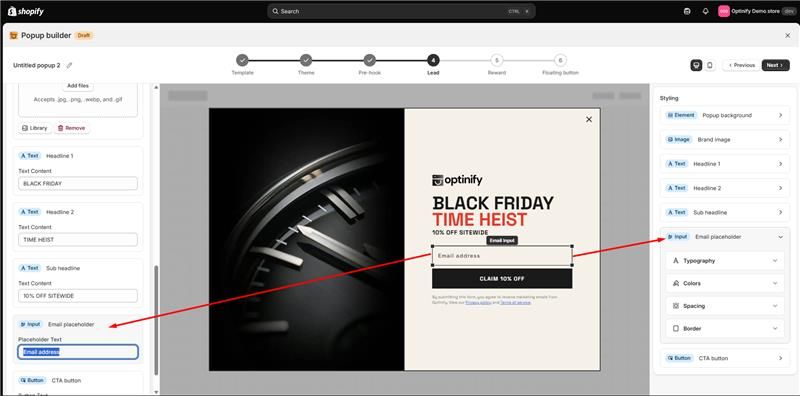
Separate Content & Style Controls
Content and style settings are now fully separated between the left and right sidebars while remaining synchronized.
This provides more flexibility when editing campaigns while maintaining a seamless customization experience.
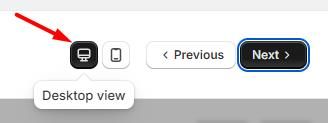
Improved Desktop & Mobile Viewport Toggle
The desktop/mobile viewport toggle has been redesigned and improved, making it easier to preview and optimize campaigns across different screen sizes.
Improved Template Step
The template selection step has been updated to support the new full-page app window experience, creating a smoother campaign setup workflow.
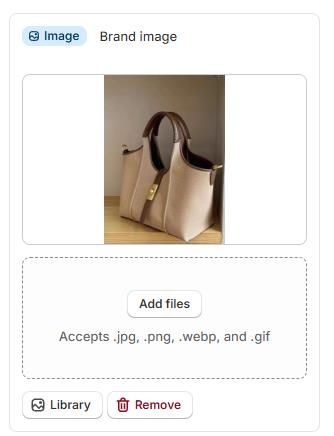
New Canvas Image Upload Experience
Added a new dropzone image uploader for Canvas images, making image uploads faster and easier.
Simplified Logo Configuration
The logo setup step has been removed from the popup creation and editing flow.
Logo customization is now managed through the Theme flow, reducing unnecessary steps during template creation.
Trigger Rule
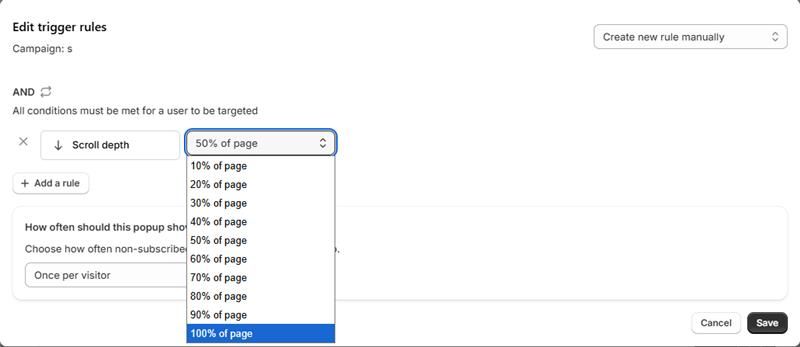
New Scroll Depth Trigger Rule
A new scroll depth trigger rule is now available, allowing merchants to display popups based on visitor scrolling behavior.
Supported scroll depth ranges between 10% - 100%
This enables more precise timing and better targeting based on visitor engagement.
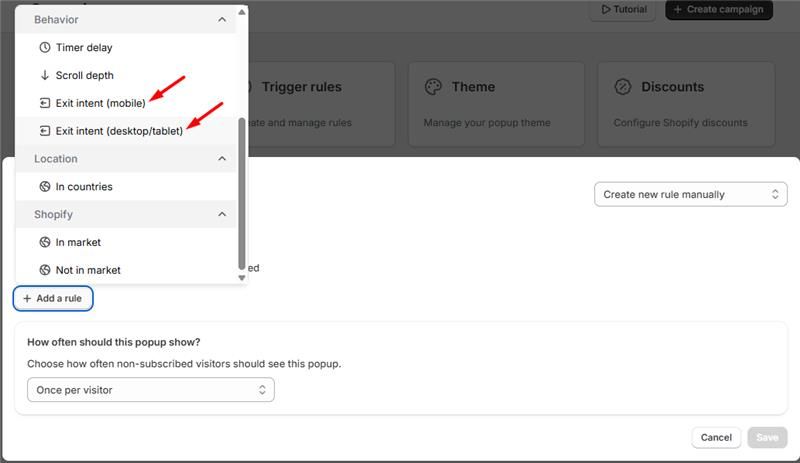
Separate Exit Intent Rules for Desktop & Mobile
Exit intent trigger rules are now separated for desktop and mobile devices, allowing merchants to create device-specific popup experiences.
Fix & Improvements
Canvas
Fixed headline editing issues in the Pre-hook step in Canvas
Improved popup background options for:
Lightbox
Full Page
Floating Bar
Floating Button
No Reward
Storefront
Fixed the Cyber Monday template mobile version issue affecting width and text color display
Popup Management
Fixed the "View All" button issue in Top Performing Popups
Fixed the issue where the Top Performing Popups table displayed only live popups instead of showing all available popups
UI Component
Updated A/B test, edit, and delete modals using the
s-modalcomponent for a more consistent user experience
Check it out on Shopify - Optinify ‑ Email & SMS Popups - Design and run your pop up campaigns in a minute | Shopify App Store