September 15th, 2026

The Shopify app window now utilizes the full available page space, providing a larger and more immersive workspace for creating and customizing campaigns.
The popup creation flow now includes a new progress stepper UI, helping merchants better understand their progress and navigate through each step more efficiently.

A new top navigation bar has been introduced in the edit flow, making it easier to access editing options and manage campaign customization.

Content and style settings are now fully separated between the left and right sidebars while remaining synchronized.
This provides more flexibility when editing campaigns while maintaining a seamless customization experience.

The desktop/mobile viewport toggle has been redesigned and improved, making it easier to preview and optimize campaigns across different screen sizes.

The template selection step has been updated to support the new full-page app window experience, creating a smoother campaign setup workflow.
Added a new dropzone image uploader for Canvas images, making image uploads faster and easier.

The logo setup step has been removed from the popup creation and editing flow.
Logo customization is now managed through the Theme flow, reducing unnecessary steps during template creation.
A new scroll depth trigger rule is now available, allowing merchants to display popups based on visitor scrolling behavior.
Supported scroll depth ranges between 10% - 100%
This enables more precise timing and better targeting based on visitor engagement.

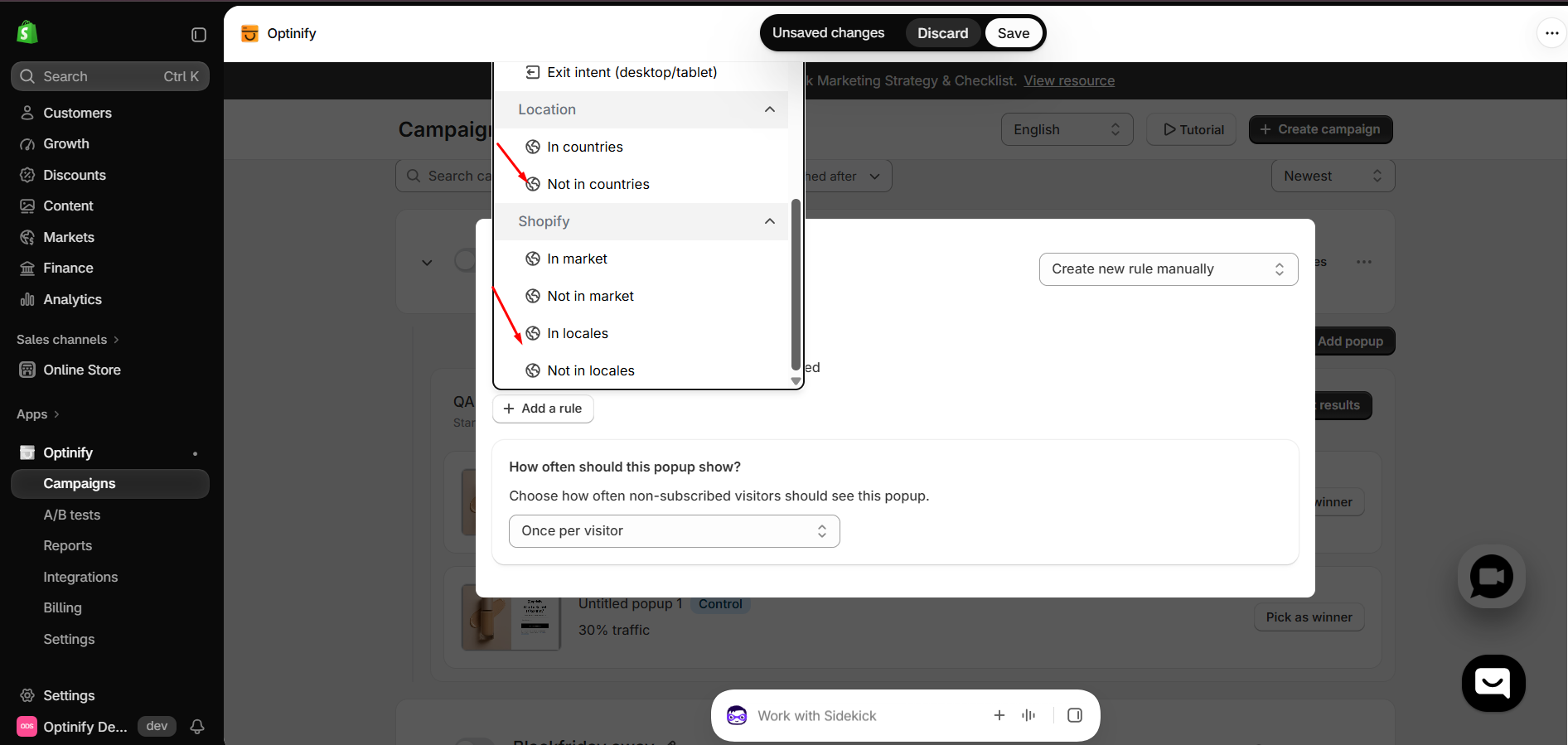
Exit intent trigger rules are now separated for desktop and mobile devices, allowing merchants to create device-specific popup experiences.

Fixed headline editing issues in the Pre-hook step in Canvas
Improved popup background options for:
Lightbox
Full Page
Floating Bar
Floating Button
No Reward
Fixed the Cyber Monday template mobile version issue affecting width and text color display
Fixed the "View All" button issue in Top Performing Popups
Fixed the issue where the Top Performing Popups table displayed only live popups instead of showing all available popups
Updated A/B test, edit, and delete modals using the s-modal component for a more consistent user experience

Check it out on Shopify - Optinify ‑ Email & SMS Popups - Design and run your pop up campaigns in a minute | Shopify App Store
August 14th, 2026

Features:
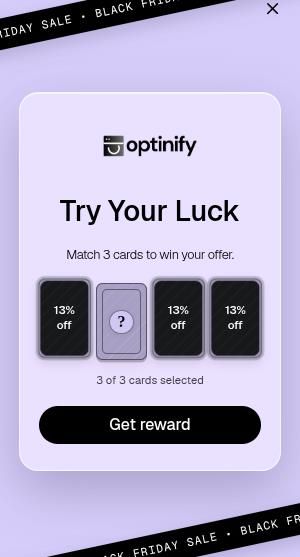
Spin the wheel
Used in first step.
Reuses Shopify discount selector
Animated eight slices wheel
Editable wheel color with direct selection from canvas
One winning slice, three non winning slices
Fully Polaris Web Components compatible
Reward synchronization between first step and reward step
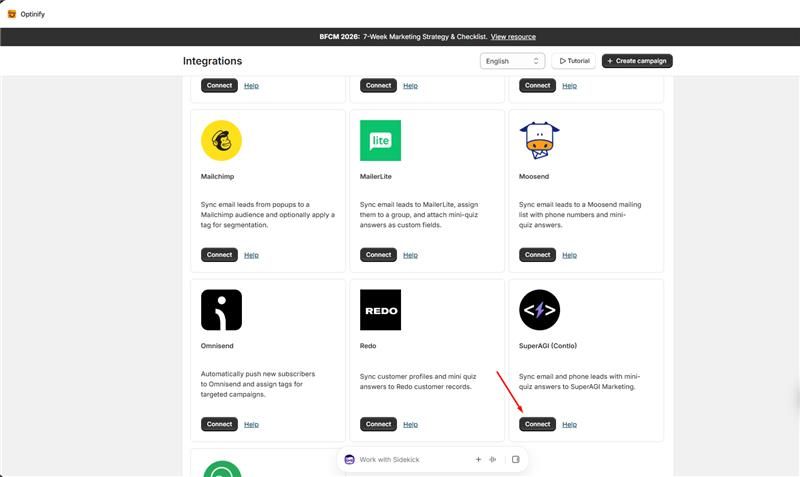
Integration: MailerLite
Segments the collected leads from popups using groups
Collects mini quiz question and answers as Fields
Robust error handling for API key
Help article - How to Integrate MailerLite with Optinify step by step guide
Implement Shopify Review API
It's an in app review collection mechanism supported by Shopify
It is implemented after completing successful campaign and A/B testing creation flows.
Improvements and Fixes:
Fixed webhook errors for these handlers -
app/scopes_update
discounts/delete
app_subscriptions/update
app/uninstalled
discounts/create
discounts/update
Fixed input text delete issue in mini quiz question text
Added centered help text with documentation link in Campaigns, Integrations and A/B tests pages.
Security Update: Shopify NPM Package Vulnerability
Following Shopify’s recent security advisory regarding an HMAC signature validation issue affecting unauthenticated App Proxy requests, we reviewed the NPM dependencies used by Optinify.
The advisory identified the following potentially affected Shopify packages:
@shopify/shopify-app-remix
@shopify/shopify-api
@shopify/shopify-app-express
@shopify/shopify-app-react-router
Check it out on Shopify: Optinify ‑ Email & SMS Popups - Design and run your pop up campaigns in a minute | Shopify App Store
July 14th, 2026

Features:
Mini quiz as a first step
Brevo integration
GoHighLevel integration
A/B testing
Enterprise pricing plan
Preview after campaign creation
Improvements and Fixes:
Fixed logo position in mobile view
Fixed leftbar css inside canvas
Made elements of leftbar collapsible
Fixed campaign creation issue for whitelisted users
Fixed the rendering of the announcement modal after successful campaign creation
Fixed removal of live popups from storefront at campaign deletion
Shifted trigger rule modal to last step of popup creation
Fixed back button effect on text alongwith icon
Improved dashboard UI
June 13th, 2026

Features:
Introduce brand theme customization and pre-customized theme usage inside any popup.
Implement the "Import theme from storefront" feature and its usage inside any popup.
Introduce device type trigger rule.
Implement campaign filters and search bar.
Introduce new wall-mounted positions for floating button
Implement new resync mechanism for recent failed lead collection.
Introduce new Mailchimp integration.
Implement a "No reward" option in the Reward step.
Improvements and Fixes:
Improve exit flow with a 'save & exit' approach from canvas.
Fix lead & reward UI duplication issue.
Fix popup rendering issues even after unpublishing any campaign.
Fix campaign creation along with triggering rule configuration in a single flow.
Improve popup rendering after completing its full contents load.
Fix campaigns’ sorting issue based on update time.
Improve campaign page view with empty state UI.
Fix the create campaign button in the navbar.
Fix and improve the recent sync table UI/UX in the integration page.
Fix Omnisend phone number lead collection.
June 11th, 2026

Features:
Introduce two new Lightbox popup templates
Introduce two new floating bar popup templates
Phone No. Collection as leads.
Consent fields and configuration for phone no. lead collection.
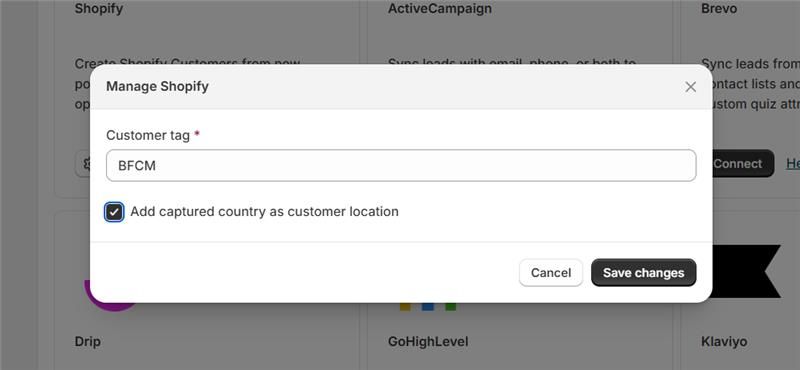
New Shopify Customer integration.
Improvements and Fixes:
Improve the logo step (upload, edit, import from store, logo library)
Implement both mobile and desktop view in template cards
Update mobile responsiveness both in canvas
Ul/UX bug fixes and improvements - Templates, Canvas, Integration sync table, Popup card.
Check it out on Shopify: https://apps.shopify.com/pop-ups-builder
Optinify ‑ Email & SMS Popups - Design and run your pop up campaigns in a minute | Shopify App Store
Optinify is the best for Variational Popups, and it allows you to create beautiful popup campaigns with its customizable templates. Attract your store visitors with personalized pop-ups.
May 19th, 2026
Features:
Introduced two new floating bar popup templates
Implement "Book a demo" within app
Implement redo-undo mechanism in canvas
Improvements and Fixes:
Fix alignments in full-page templates
Fix campaign and popup creation in a single flow
Update mobile responsiveness both in canvas and storefront
Resolve app embed issue
Add back button facility in popup creation flow
Add floating button css and closing mechanism
Check it out on Shopify: https://apps.shopify.com/pop-ups-builder
Optinify ‑ Email & SMS Popups - Design and run your pop up campaigns in a minute | Shopify App Store
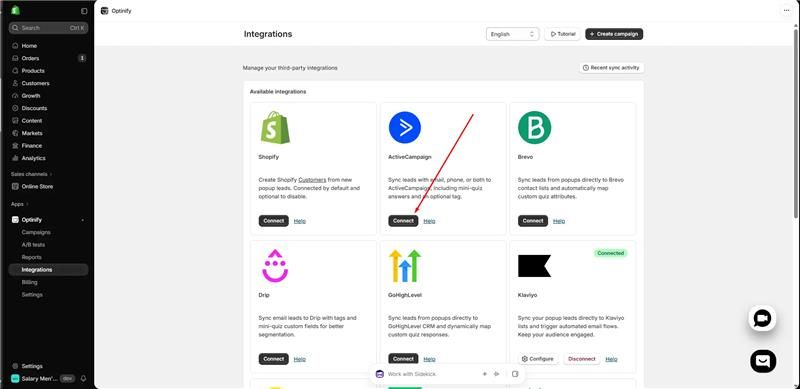
Optinify allows you to create beautiful popup campaigns with its customizable templates. Attract your store visitors with personalized pop-ups.